tiling window managers suck 🥀
i spent six years trying to make every computer i used behave like dwm. in 2026, i finally stopped.
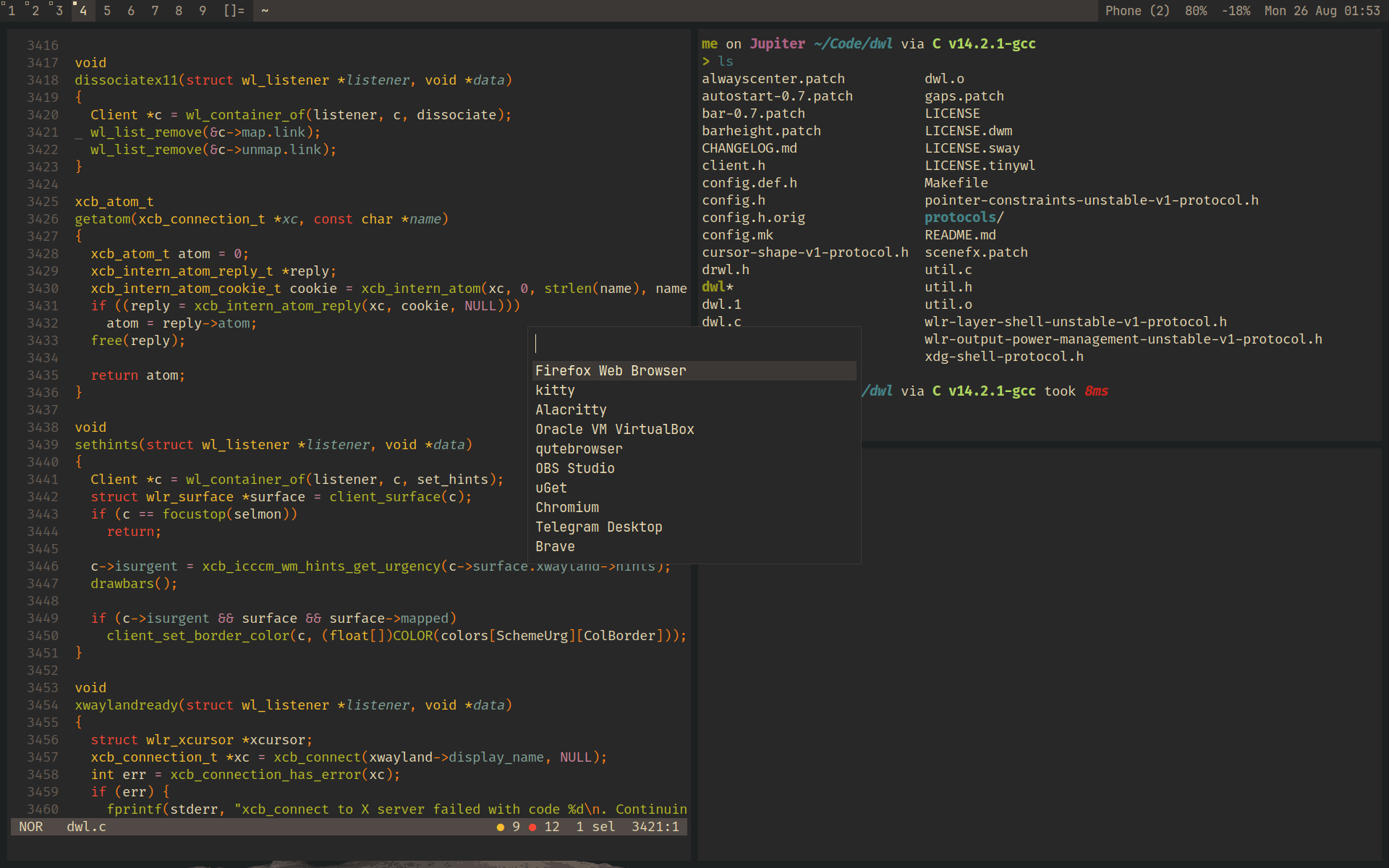
over the years i used:
- i3
- bspwm
- dwm
- hyprland
moving to macOS#
when i got a MacBook in 2023, i wanted the same setup. i tried yabai + skhd, then AeroSpace. AeroSpace's virtual workspaces are much faster than macOS spaces, but i eventually realized:
tiling window managers on macOS don't really feel like tiling window managers.
the macOS window server problem#
on Linux, the window manager controls the desktop. on macOS, tools like yabai and AeroSpace sit on top of the system window server. They can move and resize windows, but their control is limited.
many windows should float: dialogs, settings, login prompts, and small utilities. tiling them leads to:
- windows being tiled into unconventional sizes
- dialogs getting stretched across the screen
- applications being squashed into tiny areas
- per app rules
- manual fixes for windows that should have floated
most GUI apps already have a good size. if i need to fix the layout by hand, tiling is not saving me time.
a few AeroSpace issues made this worse:
- tiny 1px windows appearing at the bottom right
- shortcut conflicts with macOS's default shortcuts
- random window glitches
- applications behaving differently depending on how they create their windows
none of these is a big problem alone. together, they made the setup feel fragile.
rethinking my workflow#
most of the time, i use one app fullscreen:
- browsing
- a cli coding agent
- an IDE to fix the shit it wrote
i don't need desktop wide tiling for this. i mainly need terminal splits.
my new macOS workflow#
i stopped trying to turn macOS into Linux. instead, i use Hyper + a letter to launch apps:
for example:
Hyper + T→ Ghostty
i configure these shortcuts with TinyCast, an open source Raycast clone. this gives me what i value most: fast app switching. i jump directly to an app instead of managing workspaces.
- no animations.
- no workspace management.
- no window rules.
- no fighting with the macOS window server.
tiling the terminal instead#
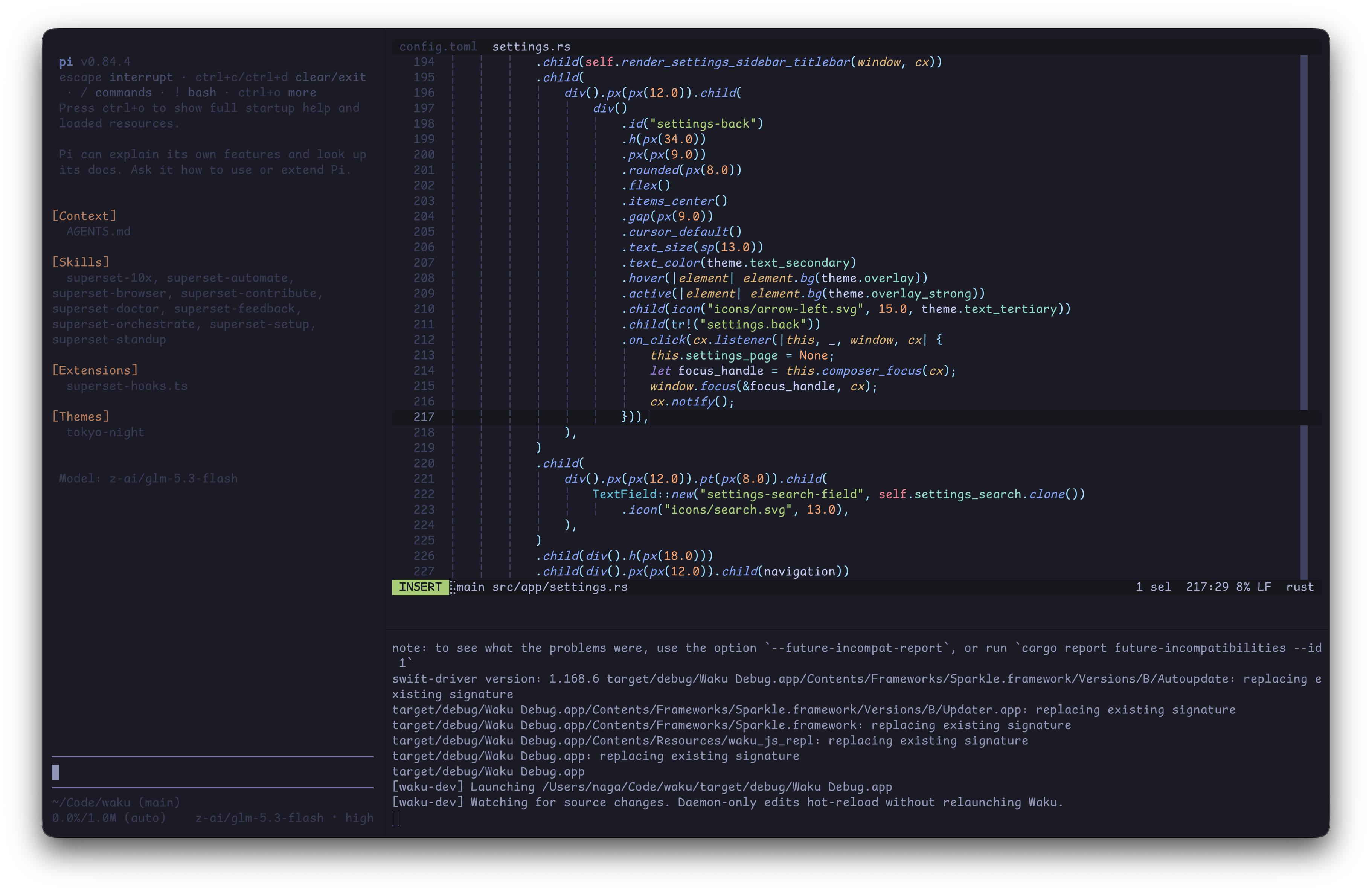
for the terminal, i use Ghostty's built in splits. that gives me the tiling features i want without tiling the whole desktop.
i use Vim-like keybindings for navigation: ghostty config
Ghostty gives me:
- keyboard driven navigation
- splits
- fast movement between terminals
- Vim-like directional controls
- zooming into a single pane
- little need for a mouse
outside Ghostty, macOS manages the windows.
the result#
this is my least tiling focused setup since 2020, and it feels best on macOS. i do not need every window tiled, dozens of workspaces, or app specific rules. i need fast app switching and a good terminal workflow.
after years with i3, bspwm, dwm, spectrwm, Hyprland, Sway, yabai, and AeroSpace, i landed on this:
let macOS manage GUI windows. let Ghostty manage my terminal. and use keyboard shortcuts to get everywhere quickly.